
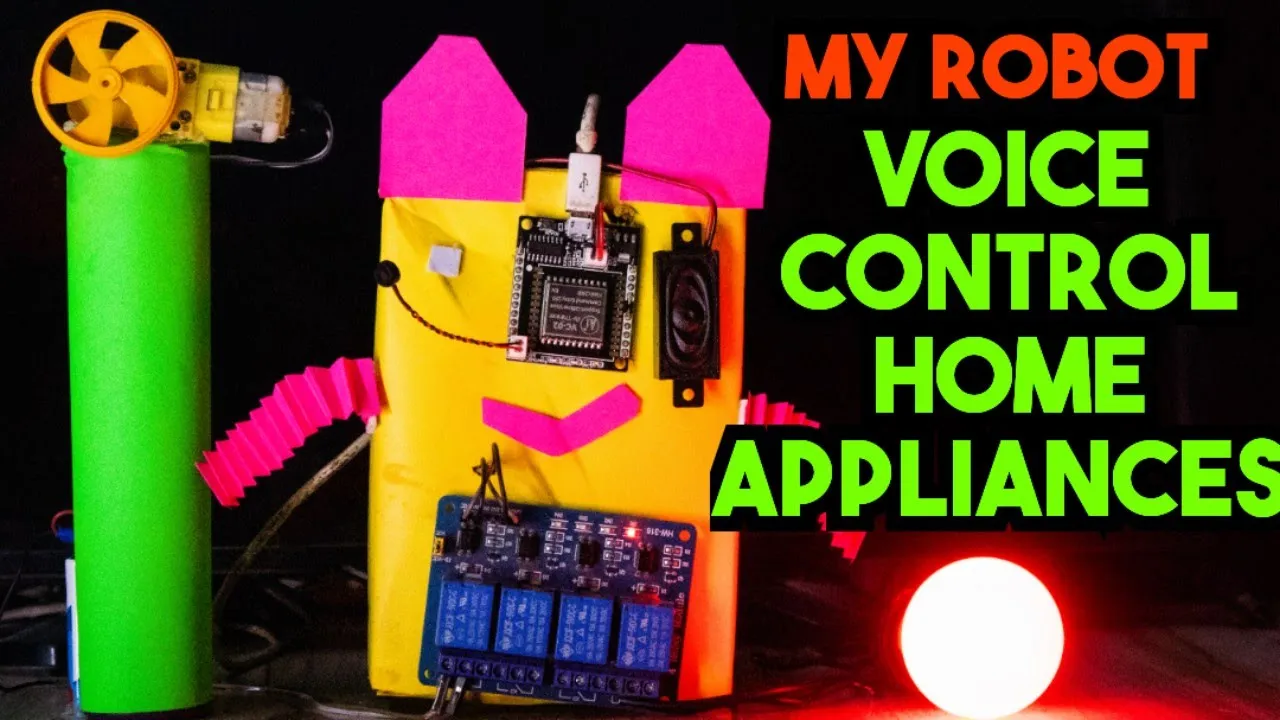
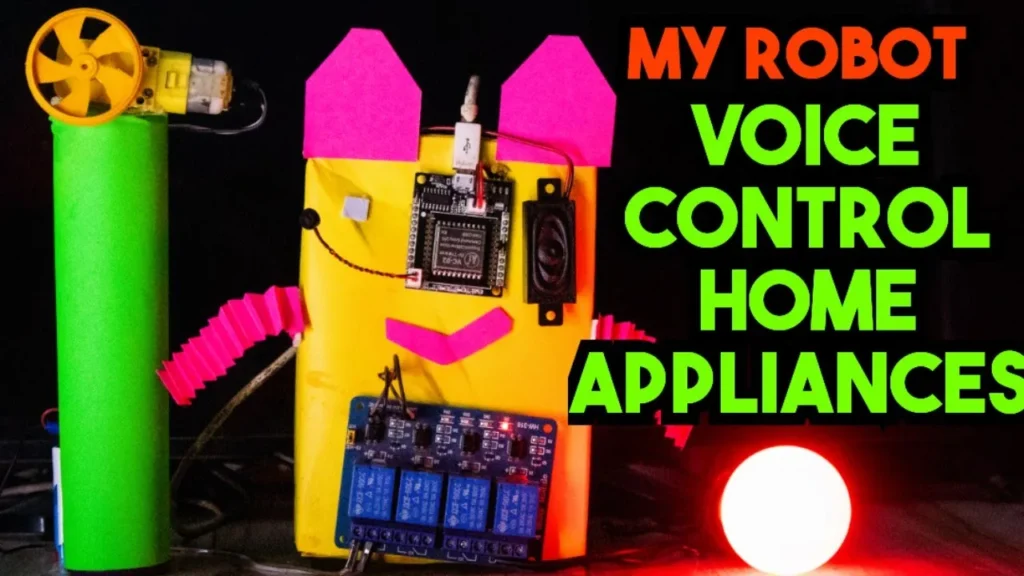
🎙️ Voice Controlled Home Automation Robot Using VC-02 Module
🔹 Project Overview
The Voice Controlled Home Automation Robot is an intelligent system designed to control electrical appliances such as lights and fans using voice commands. This project is built using the AI Thinker VC-02 Offline Voice Recognition Module and an Arduino controller.
The system allows users to turn ON and OFF appliances simply by speaking predefined voice commands. Since the VC-02 module works completely offline, the project does not require internet connectivity, making it fast, reliable, and secure.
🔹 Key Features
- 🎤 Offline Voice Recognition (No Internet Required)
- 💡 Control Light Using Voice Commands
- 🌀 Control Fan Using Voice Commands
- ⚡ Fast Response Time
- 🔒 Secure and Reliable Operation
- 🤖 Integrated with Robot System
🔹 Technologies & Components Used
- AI Thinker VC-02 Voice Recognition Module
- Arduino (Uno / Compatible Board)
- Relay Module
- DC Motor / Robot Chassis
- Power Supply Unit
- Electrical Appliances (Light & Fan for demonstration)
🔹 Working Principle
- The VC-02 module is trained with custom voice commands.
- When the user speaks a predefined command (e.g., “Light ON” or “Fan OFF”),
- The VC-02 processes the voice input and sends a signal to the Arduino.
- The Arduino activates the corresponding relay.
- The relay switches the connected appliance ON or OFF.
The entire system operates without cloud processing, ensuring low latency and high efficiency.
🔹 Applications
- Smart Home Automation Systems
- Assistive Technology for Elderly & Disabled People
- Voice-Controlled Robotics
- IoT Learning Projects
- Engineering Final Year Projects
- DIY Electronics Projects
🔹 Advantages
- Works without internet
- Cost-effective solution
- Easy to implement
- Expandable for multiple appliances
- Suitable for real-time automation systems
Project Code:
- Download project code from below button.
- If you want to understand code explanations then please watch YouTube video.
Click Here To Download Project Code
YouTube Video :
- If you want to understand how to connect hardware with Arduino,
- And Program explanation for this project,
- And how to do this project by yourself then please watch our YouTube video
Purchase Readymade Project:
- If you want to purchase a readymade project from Mytrained.com then contact us on whatsapp.
- We do not encourage any student to purchase a readymade project from us. Our mission is to give complete knowledge free of cost.
- So from our end we already provide code and detailed steps to create this project by yourself in our YouTube video.
- So if you want to save your money then watch our video and follow the steps that are mentioned in the video.
- Once you purchase a project then it will take at least 1 month to design your project.
- You have to pay the complete project cost while placing the purchase order.
- no refund no exchange policy

Leave a Reply